Car, Number and Helmet images Settings
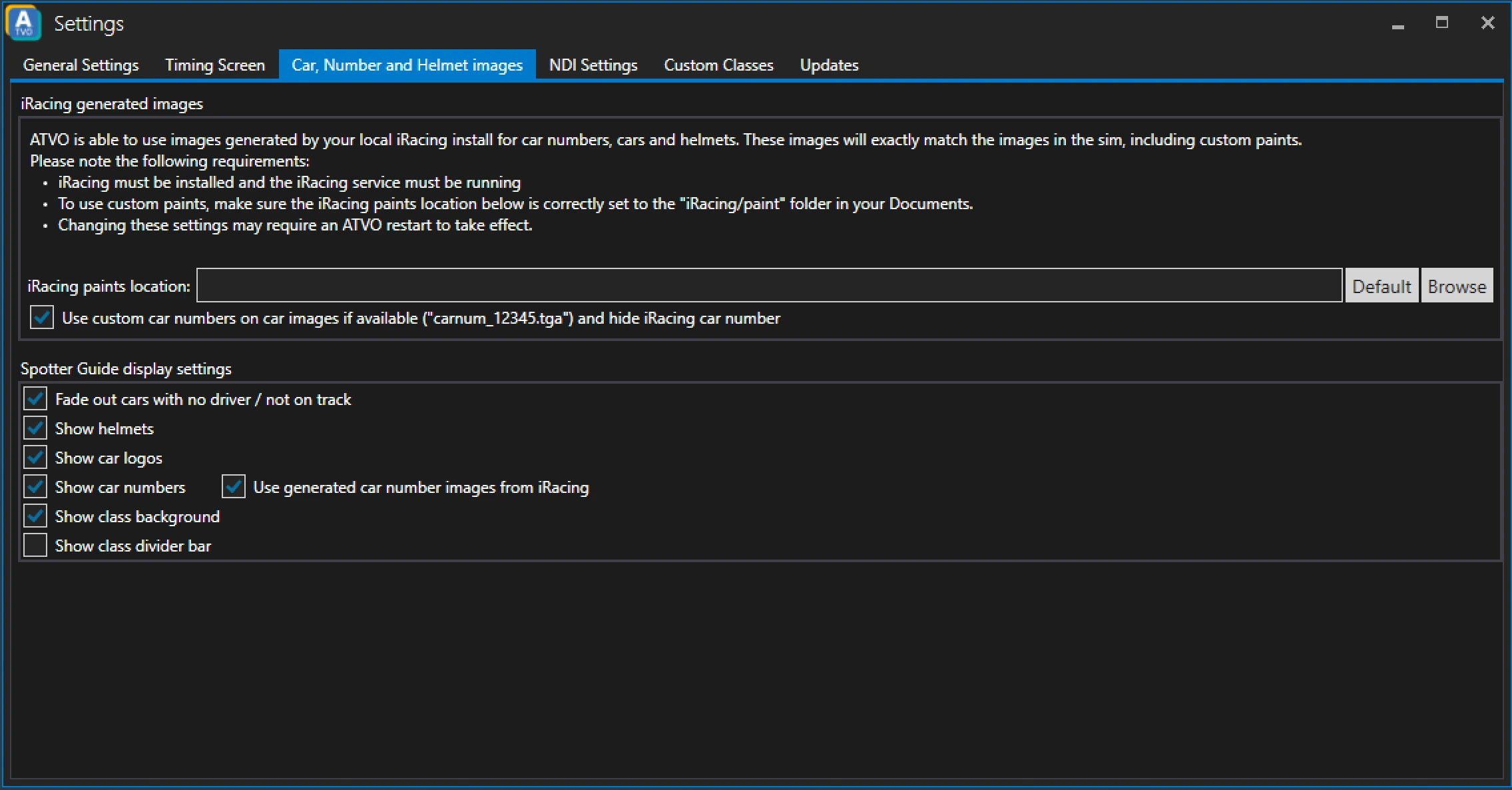
iRacing generated images
ATVO can make use of the iRacing generated images for cars, numbers and helmets. See the instructions and requirements on screen.
Spotter Guide display settings
ATVO provides a couple of options to customize the appearance of the spotter guide.
Fade out cars with no driver / not on track
Checking this option will fade out the tiles in the spotter guide of cars that have no driver or are not currently on track.
Show helmets
Shows the helmets of the drivers in the spotter guide.
Show car logos
Shows car logos in the spotter guide.
Show car numbers
Shows the car numbers in the spotter guide.
Use generated car number images from iRacing
Uses the car numbers generated from iRacing
Show class background
Uses the class color as a background of the tiles.
Show class divider bar
Shows a dividing bar between classes.