About & Licenses
The About tab on the Settings page shows the Launcher version, copyright, links to the project website, and access to third-party licenses.
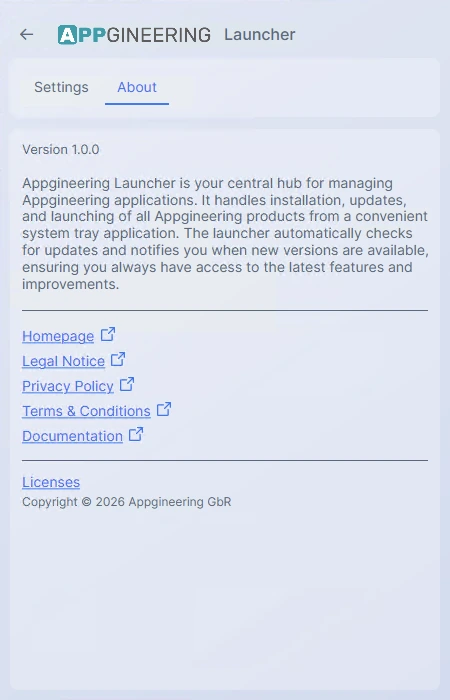
The version number shown here is the one to reference when reporting an issue, so support can match your installation to a specific build.
Licenses
Clicking Licenses opens a scrollable list of all third-party open-source libraries used by the Launcher. Each entry shows the library name, the license type (MIT, Apache-2.0, BSD, etc.), and an external-link icon that opens the full license text in your browser.
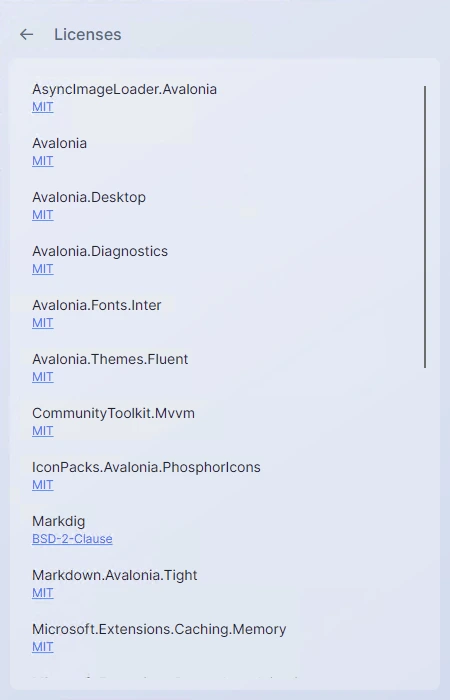
The list is generated from the Launcher's own dependency manifest and is kept up to date with every release.