In-App Notifications
In addition to operating-system notifications, the Launcher shows in-app notifications at the bottom of the window for transient feedback such as completed installs, refresh failures, or warnings about a running app.
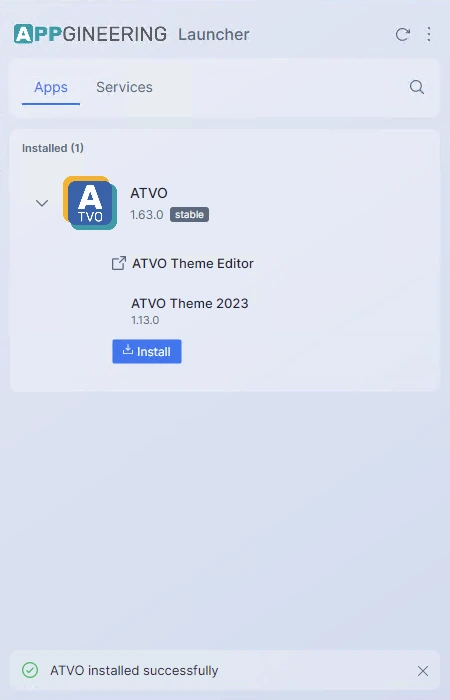
Notifications come in three styles:
- Info (blue) — Routine confirmations, such as "Install complete".
- Warning (orange) — Non-blocking issues that you may want to address.
- Error (red) — Failures that need your attention, such as a failed download.
Notifications slide in from the bottom of the window, auto-dismiss after a short delay, and can be closed manually by clicking the × icon. They never block interaction with the rest of the window.