Services
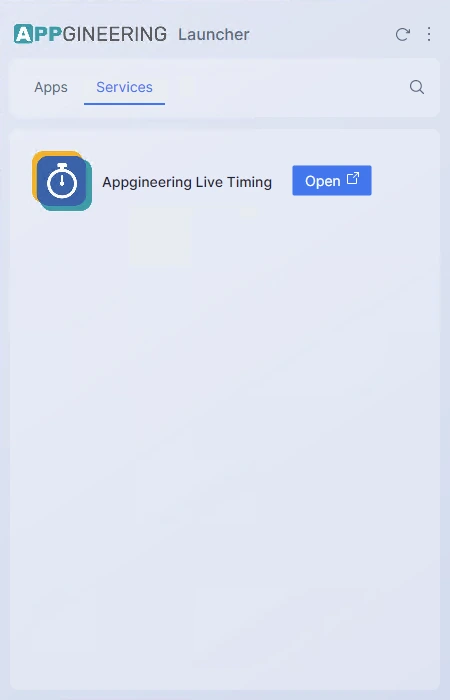
The Services tab lists Appgineering web services such as Live Timing. Services are not installed locally and do not consume disk space — they live on the web and the Launcher simply opens them in your default browser.
Opening a Service
Click Open on a service row to launch it in your default browser. The Launcher does not embed a browser of its own — your operating system's default browser handles the link.
Service Details
Each service has a menu button (the three-dot icon) that exposes an About option. The About page shows a markdown-rendered description of the service and any relevant links such as documentation or pricing.
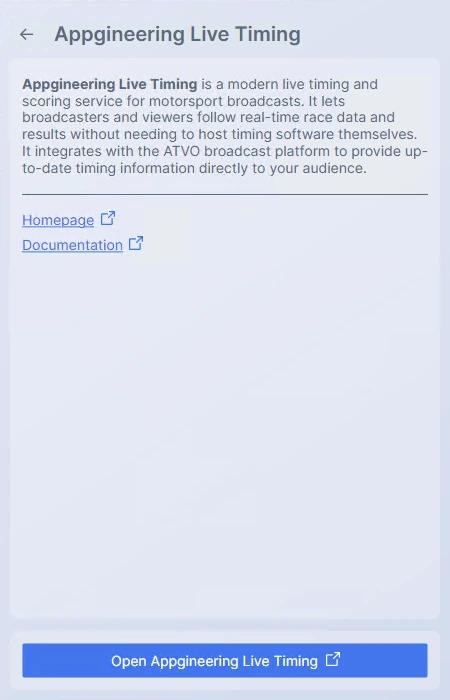
Use the back arrow in the top bar to return to the Services list.