Version Lock
Inside an application's Settings tab is a Version Lock toggle. When enabled, the Launcher will not auto-update the app — useful when you need to stay on a known-good version for compatibility with a project, a recording, or a broadcast.
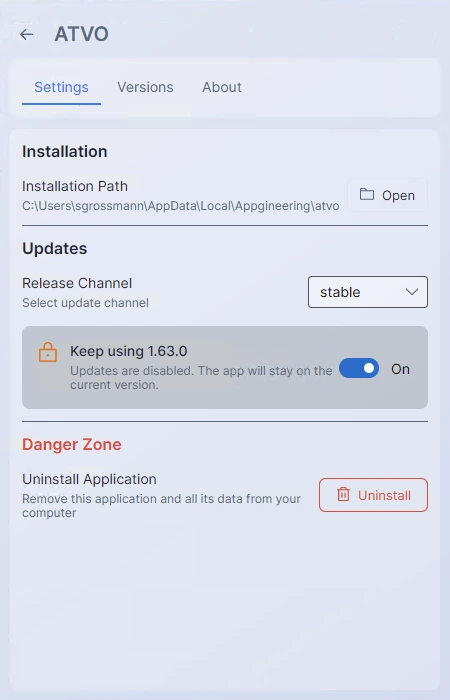
Locking a version does not hide updates: newer versions still appear in the Versions tab with their Update buttons. You can update manually at any time by clicking Update on the version you want. Locking simply prevents automatic updates from being applied without your explicit action.
Version lock does not affect mandatory updates — if the publisher flags a version as required, the mandatory-update warning still appears and the app cannot be launched until you apply it.